



PC Upgrades for Improved Performance: RAM SSDs Graphics
- Technology Explained
- August 14, 2023
- No Comment
- 21
PC Upgrades for Improved Performance
The world of PC upgrades can be daunting, but fret not! If you’re seeking to turbocharge your computer’s performance, it’s crucial to focus on the right areas. Follow our guide as we delve into the best PC upgrades that can breathe new life into your system.
Why You Should Upgrade RAM
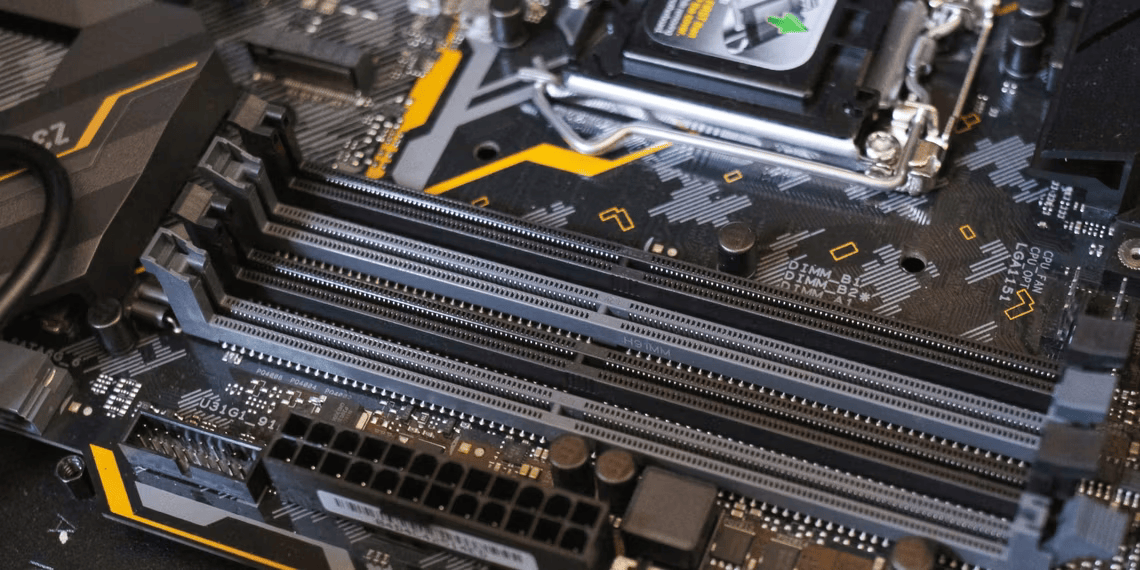
The secret to an instantly responsive PC lies in its memory. By upgrading your RAM, you unlock the potential for smoother multitasking, seamless browsing, and efficient video editing. Learn how to identify your RAM needs and choose the right memory to enhance your computing experience.
Consider Upgrading the Graphics Card
For avid gamers and graphics enthusiasts, a dedicated graphics card is your ticket to unparalleled visual performance. We explore the impact of graphics cards on gaming, provide insights into selecting the perfect card, and offer tips for boosting your system’s graphical prowess.
Get a Faster Storage Drive
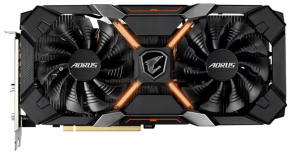
Is your PC dragging its feet during boot-up and application launches? A speedier storage drive might be the answer. Dive into the world of solid-state drives (SSDs) and understand how they revolutionize data access speeds. We’ll also discuss the art of balancing performance and storage space.
Upgrading the Processor
Delve into the heart of your PC’s power with a processor upgrade. Uncover the intricacies of this advanced upgrade, from compatibility concerns to performance gains. Discover when upgrading your processor is truly worth it, and explore the benchmarks that guide your decision.
How Upgrading Software Can Improve Performance
It’s not just hardware that affects performance; software plays a crucial role too. Navigate the landscape of software updates, from minor bug fixes to major releases. Learn when to embrace updates and when to exercise caution, all while optimizing your PC’s overall speed.
What Other PC Parts Should You Upgrade?
Beyond the core components, there’s a world of upgrades waiting for you. Consider peripherals like monitors and keyboards that can elevate your computing experience. Strike a balance between performance and personalization as you craft the ideal PC setup.
The Best PC Upgrades for You
As you embark on your upgrade journey, remember that personalization is key. We recommend focusing on RAM, SSDs, and graphics cards as foundational upgrades. However, don’t neglect the holistic experience—think about how each upgrade aligns with your unique needs and preferences.
In a world where technology evolves rapidly, enhancing your PC’s performance is a blend of science and art. By making informed choices and investing wisely, you’ll create a system that not only runs faster but also caters to your individual computing aspirations.





