



Narrator for Windows: Browsing the Web Guide
- Tech news
- July 28, 2023
- No Comment
- 28
Introduction: Narrator for Windows
Screen readers have enabled visually challenged individuals to access content in a satisfying manner. The Narrator screen reader, integrated into Windows, grants seamless web navigation. Learning the essentials of Narrator can help you efficiently access information online.
1. Getting Started with Narrator:
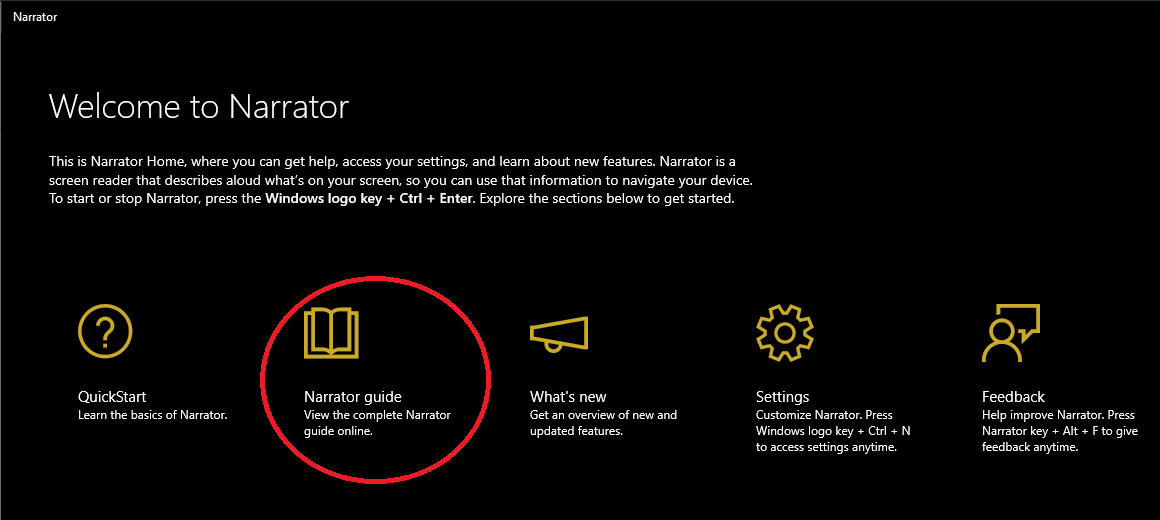
The Windows logo key combined with Control and Enter will activate Narrator. The QuickStart guide offers a comprehensive overview of Narrator’s essentials. User can opt out of automatic Narrator launch., Narrator has two keys by default: Caps Lock and Insert are functionalities available in this system.,
2. Narrator Commands for Web Navigation:
The narrator has diverse commands for accessing webpage content. Some essential commands include:
Caps lock + T: Title of the window requires attention.
Caps lock + W: Read the window
Up/Down Arrow: Read previous and next line
Caps lock + X: Ignore the next key press
Insert + 1: Turn input help on
Insert + 1 (twice in quick succession): Turn input help off
Caps lock + R: Read continuously
Caps lock + ~ (Tilde): Set focus to an item
3. Reading Web Pages Using Narrator:
Narrator flawlessly interacts with Edge., Narrator’s default behavior when reading web pages involves Scan mode activation., Toggling Scan mode requires simultaneous press of Caps lock and Spacebar., Unlock a broader viewing experience by exploring different views, including item, character, word, heading, link, and more.
4. Accessing Web Elements with Narrator:
The narrator names common webpage elements like headers, links, images, tables, and form fields. Specific commands facilitate straightforward navigation, allowing for improved comprehension of valuable data. For example:
H: Move to the next heading
Shift + H: Move to the previous heading
T: Move to the next table
Shift + T: Move to the previous table
5. Navigating Tables with Narrator:
Using Narrator enables navigation of table sections. These instructions enable seamless table navigation and data manipulation.
Conclusion:
The narrator app has evolved into a simple and effective screen reader for visually impaired Windows users. The product integrates effortlessly with Microsoft The Narrator interface provides numerous options for effortless web and table exploration.





