


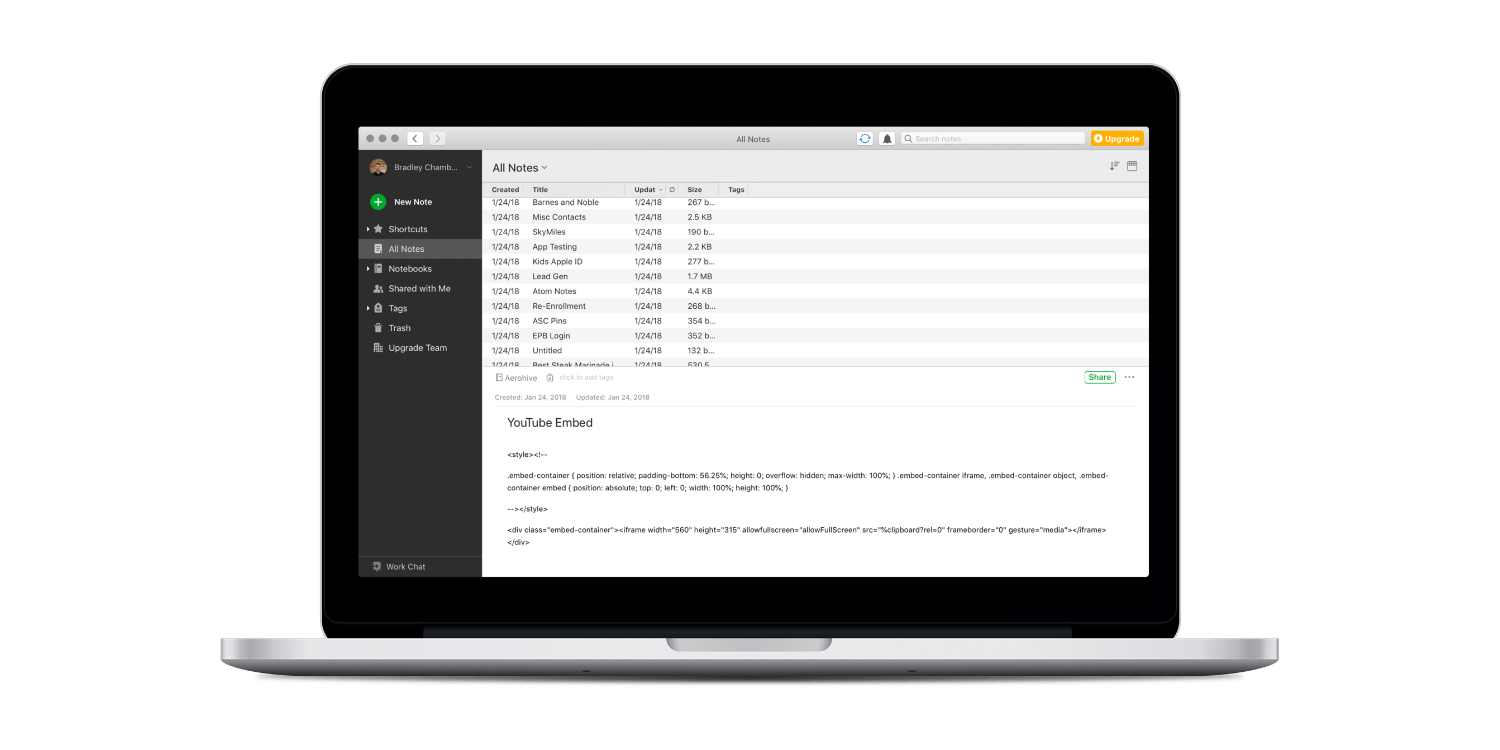

Maximize Apple Notes: Tips for macOS Users
- Productivity
- August 15, 2023
- No Comment
- 23
This content is designed for individuals who use macOS and are looking to optimize their experience with Apple’s built-in Notes app. Whether you’re a beginner or a regular user, these tips will help you enhance your note-taking and organizational skills, leading to improved productivity and efficiency.
Introduction: Exploring Apple Notes on macOS
Apple Notes, with its simplicity and utility, is an essential companion for your note-taking endeavors on macOS. While it may lack the bells and whistles of other note-taking apps, its seamless integration with the macOS ecosystem provides a powerful platform for capturing thoughts, ideas, and important information.
Organize Your Notes with Folders and Sub-folders
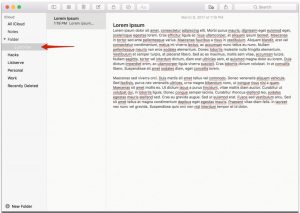
Harness the power of organization by creating folders within Apple Notes. These digital containers allow you to categorize your notes based on projects, topics, or any other structure that suits your workflow. For a deeper level of organization, explore the functionality of sub-folders. By grouping related folders together, you can maintain a clutter-free workspace for your notes.
Efficient Tagging for Easy Note Retrieval
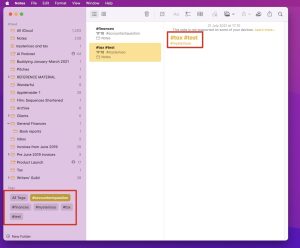
Tags serve as versatile tools for effortless note retrieval. When a note doesn’t fit neatly into a folder, tags step in to save the day. Apply tags by simply adding a hash symbol followed by the desired keyword. This empowers you to filter notes across various folders based on shared tags, ensuring swift access to thematic content.
Utilizing Smart Folders for Dynamic Organization
Discover the brilliance of smart folders—a feature that automatically assembles notes based on specific tags. Whether you’re curating notes about diet plans or project milestones, smart folders eliminate the manual sorting process. Create smart folders by defining your desired tags, allowing your collection of notes to evolve effortlessly as new ones are added.
Hidden Gems: Unveiling the Sidebar
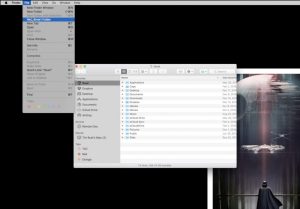
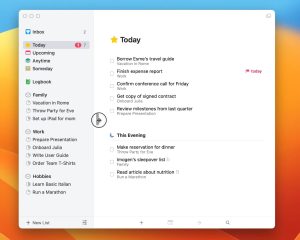
The sidebar within Apple Notes holds the key to enhanced functionality. Often overlooked, this sidebar provides quick access to folders, tags, and smart folders. To reveal it, navigate to “View” and select “Show Folders.” Once uncovered, the sidebar becomes your control center for optimized note management.
Seamless Integration: Tag Filtering
Leverage the power of tags to refine your note search. Clicking on a tag within the sidebar instantly presents all notes associated with that specific keyword. This seamless integration streamlines your workflow, offering immediate access to content relevant to your current task or project.

Enhance Note Discovery with Search Tags
Dig deeper into efficient note retrieval by utilizing tag-specific searches. By entering a tag in the search bar, you can narrow down your results to notes that bear that specific keyword. This feature eliminates the need to manually sift through folders, providing a quicker and more precise path to the information you seek.

Conclusion: Elevate Your Note-Taking Game
With these expert tips, you’re well-equipped to maximize the potential of Apple Notes on macOS. From organizing notes with folders and tags to uncovering hidden features within the sidebar, your note-taking experience is poised for a significant upgrade. As you master these techniques, you’ll witness your productivity soar and your workflow become more streamlined than ever before.





