


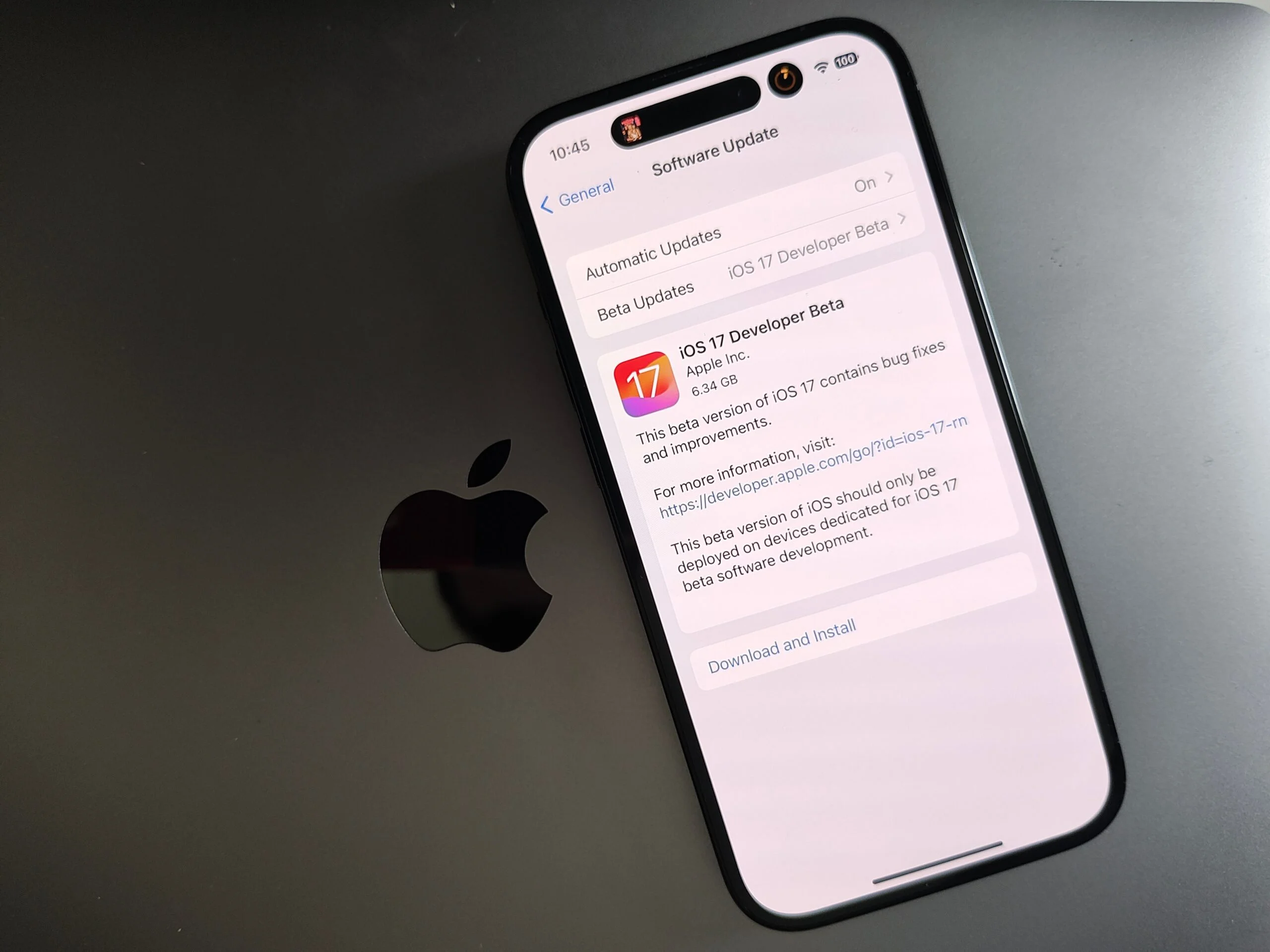

Beta Software Privacy and Security Settings: Safeguarding Your Data with Expert Configurations
- Tech news
- August 1, 2023
- No Comment
- 29
Introduction:
Beta software presents an exciting opportunity to explore cutting-edge features and improvements before their official release. However, amid the thrill of testing the latest innovations, it’s crucial not to overlook the importance of privacy and security. With personal data at stake, configuring robust protection in beta software becomes essential. In this article, we will delve into the world of privacy and security settings in beta software, offering valuable insights on safeguarding your data and personal information for a safe and secure beta testing experience.
Understand the Risks:
While beta software can be intriguing, it comes with inherent risks. As pre-release versions, beta software may contain vulnerabilities that could expose your data to potential threats. Acknowledging these risks is the first step towards protecting your privacy and data during beta testing.
Regularly Backup Your Data:
Before diving into beta software, take the time to back up your data securely. Creating backups using tools like iCloud or your computer ensures that even if something goes awry during beta testing, you can easily restore your device to a stable state without losing important information.
Strong Passwords and Biometrics:
One of the simplest yet most effective ways to bolster your security is by setting strong passwords and enabling biometric authentication (such as Face ID or Touch ID). These layers of protection provide an added barrier against unauthorized access to your device and data.
Review App Permissions:
Beta software may prompt you to grant permissions to various apps for their proper functioning. Exercise caution and review these permissions carefully. Only grant necessary access to apps and consider revoking unnecessary permissions to minimize potential data exposure.
Opt-Out of Data Collection:
Many beta software programs come with data collection mechanisms designed to gather user feedback and improve services. While this may benefit the development process, you have the right to opt-out of data collection if you are uncomfortable sharing certain information. Prioritize your privacy and review the data collection options in the beta settings.
Check for Encryption:
Ensure that your device’s storage and communication are encrypted to safeguard your data from unauthorized access. Most modern devices have built-in encryption settings, but it’s always worth double-checking to guarantee the highest level of protection.
Participate in Official Beta Programs:
While it might be tempting to explore beta software from unofficial sources, sticking to official beta programs from reputable developers offers more security guarantees. Official beta programs are more likely to undergo stringent security checks, reducing the risk of downloading potentially harmful software.
Monitor and Report Issues:
Stay vigilant while testing beta software and keep an eye out for any suspicious activities or breaches. If you encounter security concerns, report them responsibly to the developers through the designated feedback channels. Your contribution helps improve the software’s security for all users.
Conclusion:
Beta software provides an exciting glimpse into the future of technology, but it comes with responsibilities to protect your privacy and data. By understanding the risks, configuring robust privacy and security settings, and staying informed about the latest developments, you can have a safe and secure beta testing experience.
Remember, privacy and security are not just buzzwords; they are the pillars that ensure a positive user experience while exploring cutting-edge innovations. So, embark on your beta testing journey with confidence, knowing that you have taken the necessary steps to safeguard your data and personal information. Together, we can shape a future where innovation and security coexist harmoniously for the benefit of all.





