


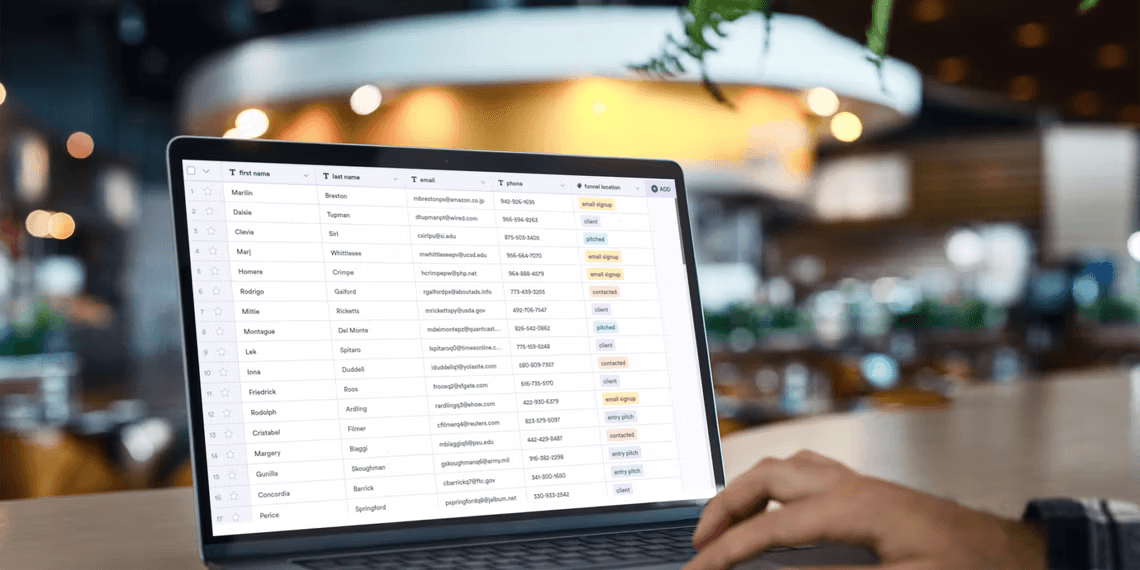

Mastering Smart Tables: 3 Workspace Apps for Efficient Data Management
- Productivity
- September 11, 2023
- No Comment
- 37
Introduction: Mastering Smart Tables
In the fast-paced world of productivity tools, the need for flexibility and functionality has never been more critical. Traditional software often confines users to fixed features, limiting their ability to adapt to unique data management needs. Enter “smart tables,” a revolutionary concept reshaping how we interact with data. In this article, we’ll explore three cutting-edge workspace apps that leverage smart tables to empower users like never before.
The era of smart tables is upon us, ushering in a new age of data management and productivity. Unlike conventional spreadsheets, these dynamic tools offer boundless possibilities for viewing, organizing, and manipulating data. In this article, we’ll delve into three workspace apps that have embraced smart tables, revolutionizing the way we interact with information.
Understanding Smart Tables
Before we dive into our exploration of these groundbreaking apps, let’s unravel the essence of smart tables. These innovative tools provide users with dynamic data management capabilities, combining the best of spreadsheets and databases. Smart tables empower you to:
- Visualize Data Creatively: Break free from the confines of static grids. Smart tables offer various views, allowing you to see your data as kanban boards, calendars, galleries, and more.
- Effortlessly Manage Records: Customize fields, apply filters, and sort records with ease. Smart tables adapt to your needs, making data management a breeze.
- Enhance Data Entry: Some apps enable the creation of custom forms, streamlining data collection from external users.
Now that we’ve grasped the essence of smart tables, let’s journey through the top workspace apps that harness their transformative power.
1. Airtable: The Pioneer of Smart Tables
Airtable, the trailblazer in this space, kickstarted the trend by giving spreadsheets the robust capabilities of a database. What sets Airtable apart is its ability to seamlessly transition between various views, including grids, kanban boards, calendars, and galleries. It doesn’t stop there – Airtable introduces a plethora of apps that leverage your data creatively. Users can even design their own custom apps, expanding the possibilities further.
When to Use Airtable:
- Ideal for Complexity: Airtable shines when dealing with intricate data structures and diverse visualization needs.
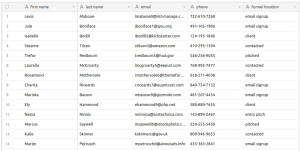
Image by https://www.makeuseof.com/ - Innovative Collaboration: Collaborators can harness Airtable’s versatility to streamline workflows and enhance productivity.
- Custom Solutions: If you need tailor-made apps to address specific requirements, Airtable empowers you to create them effortlessly.
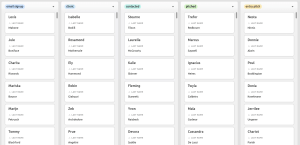
Image by https://www.makeuseof.com/
2. Notion: The All-in-One Smart Table Solution
Notion, a versatile note-taking and personal wiki tool, integrates smart tables seamlessly into its feature-rich environment. Unlike Airtable, which is primarily a smart table tool, Notion offers smart tables as part of its comprehensive note-taking suite. With intuitive CSV data import and automatic column type recognition, Notion simplifies data organization. Its effortless kanban-style board creation adds another layer of convenience.
When to Use Notion:
- Unified Workspace: Ideal for users who seek an all-in-one solution for note-taking, data management, and more.
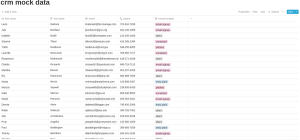
Image by https://www.makeuseof.com/ - Effortless Data Import: Notion excels at recognizing data types during import, ensuring smooth transitions.
- Collaborative Note-Taking: For teams looking to combine data management and note-taking in a single workspace, Notion is the answer.
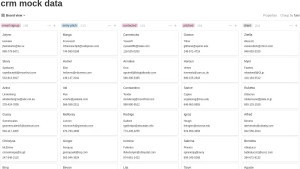
Image by https://www.makeuseof.com/
3. Google Tables: The Google Ecosystem Integrator
Google Tables, the newcomer in the smart table arena, offers a compelling alternative to Airtable. Built within Google’s ecosystem, it promises future integrations with Google’s suite of tools. While Google Tables lacks certain specialized fields, it impresses with its potential to leverage Google Assistant and IFTTT for automation and innovation. However, bear in mind Google’s track record with product longevity.
When to Use Google Tables:
- Google Ecosystem Synergy: If your organization relies heavily on Google services, Google Tables could offer seamless integration.
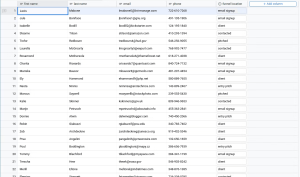
Image by https://www.makeuseof.com/ - Automation Enthusiasts: Users interested in harnessing automation through Google Assistant and IFTTT will find this tool intriguing.
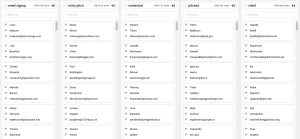
Image by https://www.makeuseof.com/ - Data Transition: Google Tables excels at easing data imports, making transitioning a breeze.
Feature Airtable Notion Google Tables Versatility Offers diverse views for creative data handling. Combines smart tables with comprehensive features. Integrates into the Google ecosystem. Customization Empowers users to create custom apps. Provides an all-in-one solution for workspace needs. Offers potential for Google service integration. Data Import Supports various import options. Excels at recognizing data types during import. Streamlines data transition into the platform. Collaboration Enhances collaboration through versatile views. Fosters collaborative note-taking and data management. Promotes teamwork within the Google ecosystem. Automation Potential Supports automation through various apps. Offers potential for automation using third-party tools. Leverages Google Assistant and IFTTT for automation. Ecosystem Integration Can integrate with third-party tools and services. Offers seamless integration within the Notion environment. Expected to integrate with Google services. Explore the details and choose the smart table that suits your workflow best!
Conclusion
Smart tables have ushered in a new era of data management and productivity. As we explored Airtable, Notion, and Google Tables, we witnessed how these workspace apps leverage the transformative power of smart tables to empower users. Whether you seek complexity, all-in-one solutions, or ecosystem integration, there’s a smart table tool waiting to revolutionize your workflow. Embrace the future of data management and enhance your productivity with these innovative apps.





