


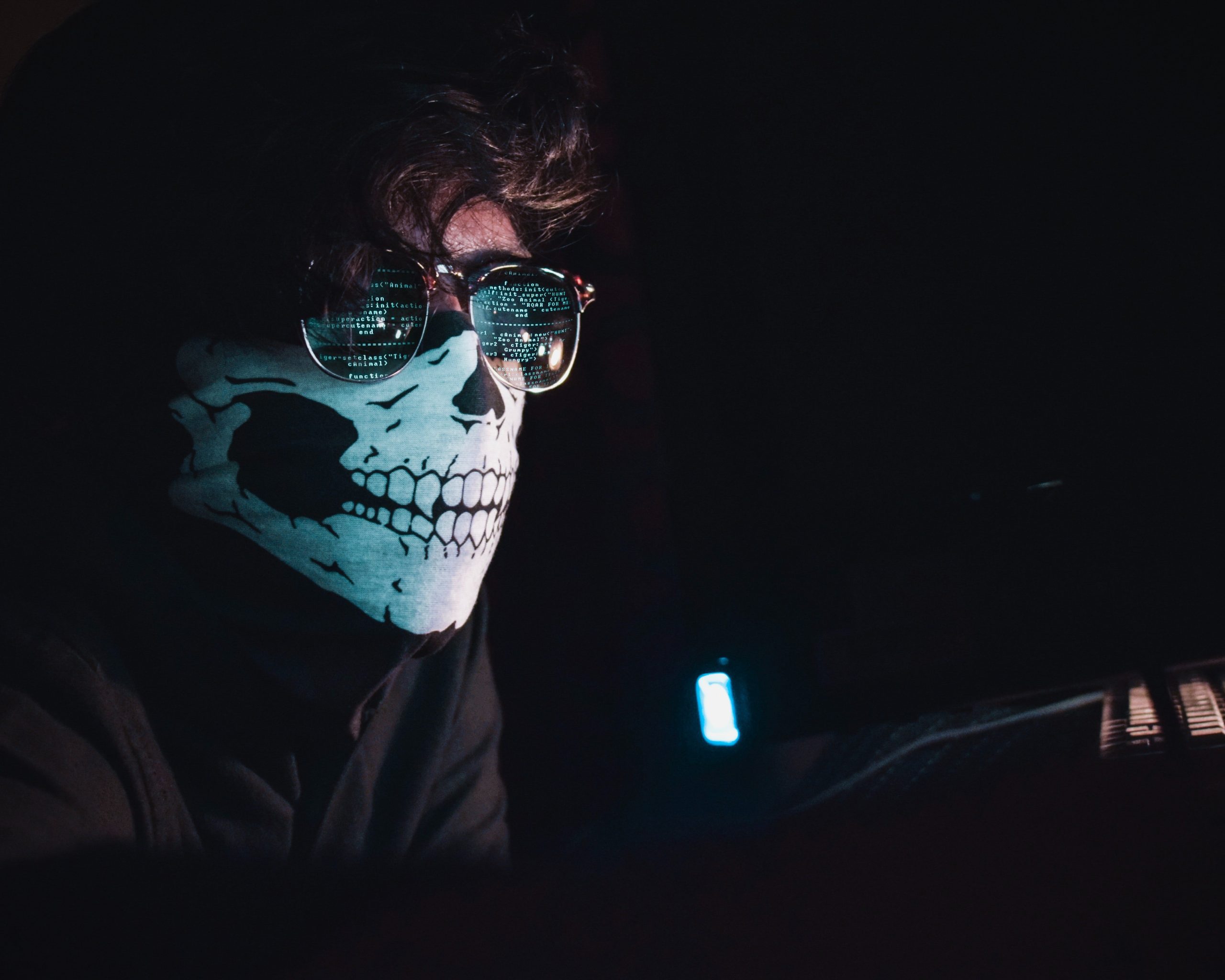

5 Essential Tips for Staying Safe Online in the Age of Data Breaches
- Law Government
- March 22, 2023
- No Comment
- 26
As we become more reliant on technology for work, shopping, and socializing online, the risk of a data breach affecting our personal information increases. Cybercriminals are constantly coming up with new ways to steal sensitive data and compromise our privacy. With this in mind, it’s essential to know how to protect yourself when surfing the web. In this post, we’ll share five crucial tips for staying safe online in the age of data breaches that you need to implement right away!
Use a password manager
Password managers are one of the most important tools that you can use to stay safe online. They help you keep track of all your passwords in one place, so you don’t have to remember them all. They also make it easy to generate strong passwords, and they can even help you fill in forms and login information on websites.
There are a lot of different password managers out there, so it’s important to choose one that’s right for you. Some of the most popular options include LastPass, 1Password, and Dashlane. Whichever manager you choose, make sure it’s one that you’re comfortable using and that has a good reputation.
Once you’ve chosen a password manager, the next step is to start using it! Create an account with a strong password, and then add all your other passwords to it. Make sure to use different passwords for each account, and never reuse a password that you’ve used before. The goal is to make it as difficult as possible for someone to guess or brute force their way into your accounts.
If you’re ever unsure about whether or not a website is legitimate, always err on the side of caution and don’t enter your password. If you think an account might have been compromised, change the password immediately and enable two-factor authentication if possible. And finally, never forget that no matter how strong your passwords are, they’re only as good as the security of the website or service they’re being used on.
Don’t use the same password for everything
It’s important to have different passwords for different online accounts. If a hacker gains access to one of your accounts, they could then use that password to try to access other accounts. This is why it’s important to have strong and unique passwords for each of your online accounts.
To create a strong password, use a combination of upper and lowercase letters, numbers, and symbols. Avoid using easily guessed words like “password” or your birthday. It’s also important to change your passwords regularly.
Enable two-factor authentication
In today’s digital age, data breaches are becoming more and more common. As a result, it’s essential that you take steps to protect yourself online. One of the best ways to do this is to enable two-factor authentication (2FA) on your accounts.
2FA adds an extra layer of security by requiring you to enter a second factor, such as a PIN or code, in addition to your password. This makes it much harder for hackers to gain access to your account, even if they have your password.
If you’re not already using 2FA, we highly recommend that you enable it on your online accounts. It’s quick and easy to set up, and it could help keep your account safe in the event of a data breach.
Keep your software up to date
It’s no secret that data breaches are becoming more and more common. In fact, a recent study found that there was a 50% increase in data breaches in 2017 compared to the previous year. And with the Equifax breach exposing the personal information of over 143 million people, it’s clear that these incidents are only getting bigger and more damaging.
While there’s no way to completely protect yourself from a data breach, there are some things you can do to minimize your risk. One of the most important things you can do is to keep your software up to date.
Outdated software is one of the most common ways that hackers gain access to systems. This is because outdated software often has security vulnerabilities that have been fixed in newer versions. By keeping your software up to date, you can help close these security holes and make it harder for hackers to get into your system.
Of course, updating your software can be a hassle. But it’s important to remember that the alternative – being hacked – is much worse. So take the time to update your systems regularly, and make sure you’re always running the latest versions of all your software.
Use a VPN
1. Use a VPN
A VPN, or virtual private network, is a key tool in protecting your online privacy. A VPN encrypts your internet traffic and routes it through a server in another location, making it virtually impossible for anyone to track your online activity or identify your real IP address. This makes it an essential tool for anyone who wants to keep their online activity private, whether they’re concerned about government surveillance or data breaches.
There are many different VPN providers to choose from, but we recommend ExpressVPN as one of the best and most user-friendly options. While there is a cost associated with using a VPN, we believe that the benefits far outweigh the costs: ExpressVPN is easy to use, has strong security features, and can unblock censored content and websites.





